Your chat's best moments,
turned into vertical clips.
ClipMiner records your Twitch or YouTube stream on your own PC. When the stream ends, it finds the moments your chat went wild and makes 9:16 clips with big word-by-word captions, ready for TikTok, Shorts and Reels.
Your first 10 clips are free. No card needed. Windows 10 or 11.
How it works
Press Start, stream, get clips
No editing, no uploading. ClipMiner does the boring part while you stream.
Add your channel
Paste your Twitch or YouTube channel link. One-time setup, about a minute.
Press Start and go live
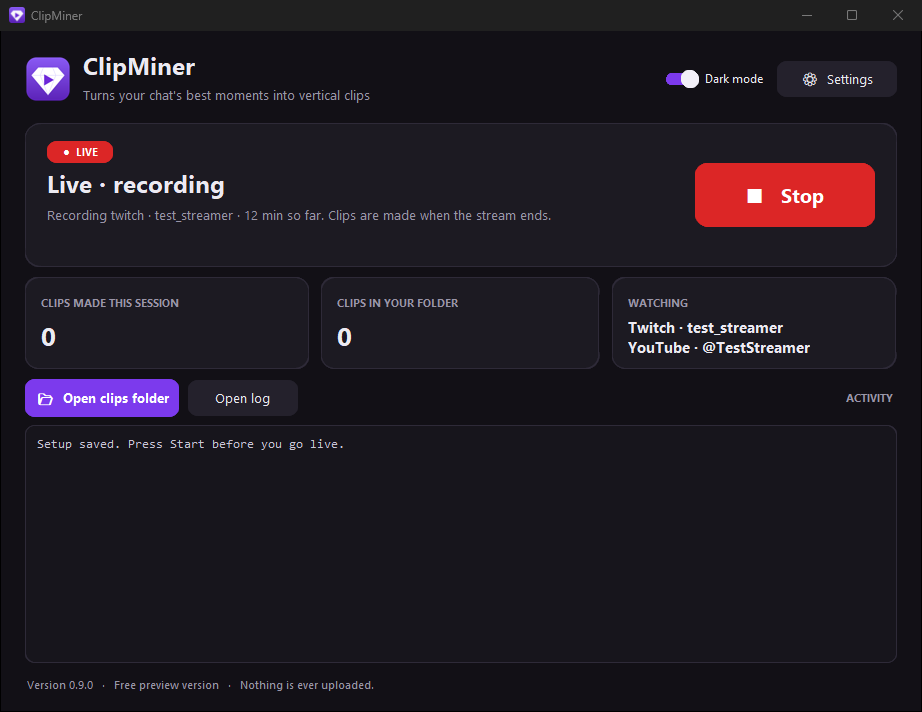
ClipMiner notices when you're live and records your stream and your chat.
Get your clips
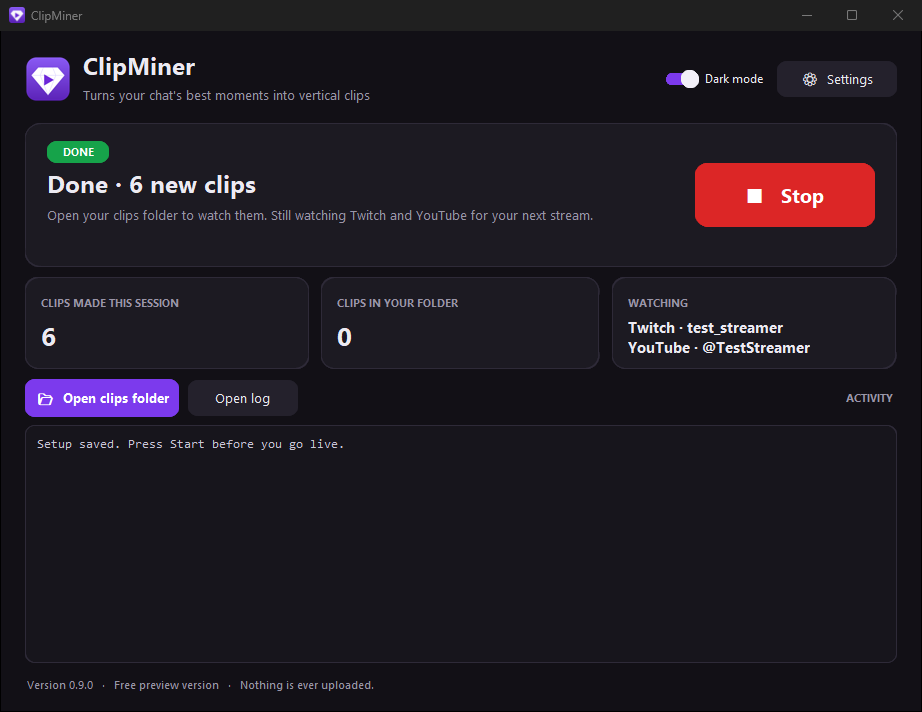
When the stream ends, the hype moments become 15-60 second vertical clips in your clips folder.
See it
Made to be simple
One window. A big Start button. Your clips in a folder.
Why ClipMiner
Your chat already knows what's good
Picks moments from chat
Spikes in chat ("LET'S GO", "NO WAY", emote spam) show where the best moments are.
Captions included
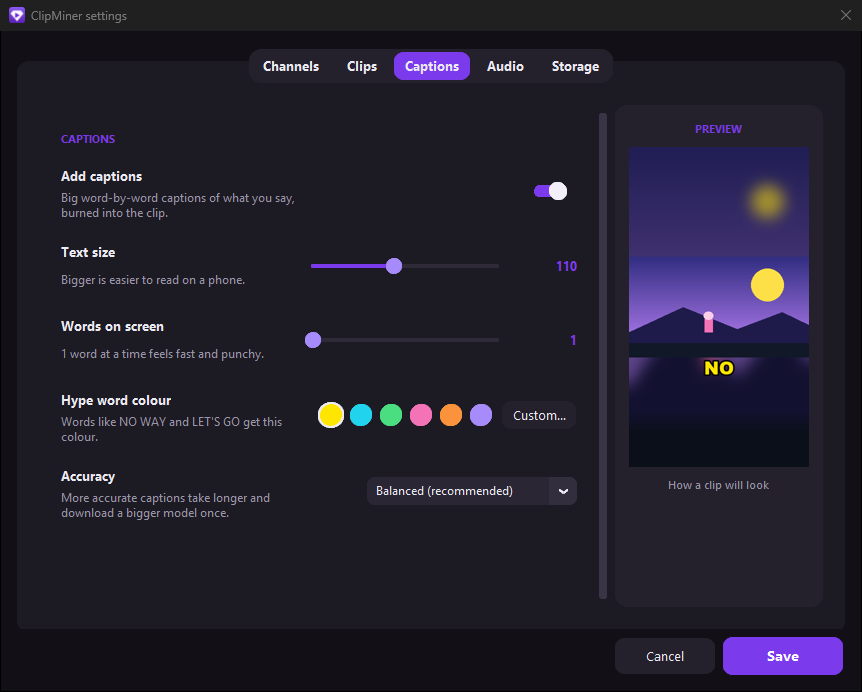
What you say becomes big word-by-word captions, with hype words in colour.
Stays on your PC
Recording and clip-making happen on your computer. Your videos are never uploaded or posted for you.
Ready to post
Each clip comes with a note: when it happened, the top chat messages and a suggested title.
Pricing
Start free. Go Pro when you love it.
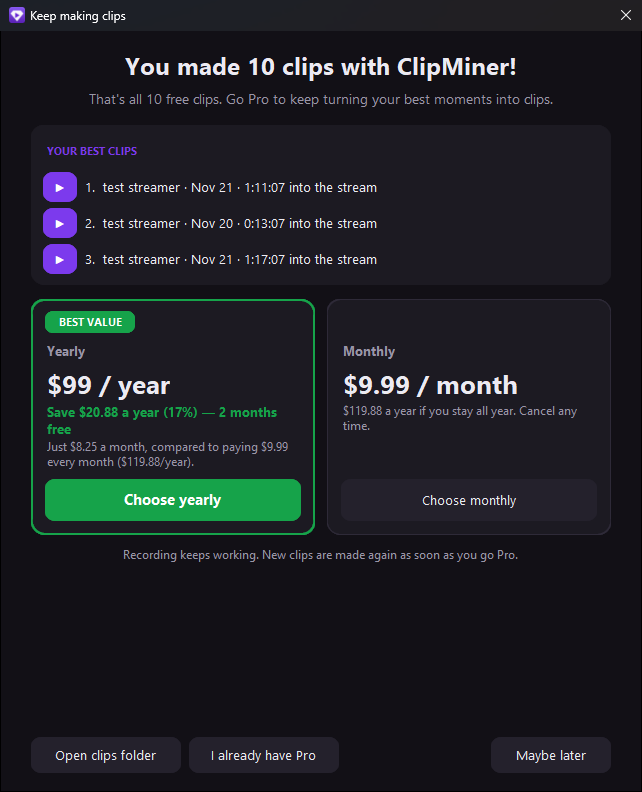
Recording always works. Pro makes unlimited clips.
Pro yearly
Save $20.88 a year (17%) — 2 months free
- Just $8.25 a month, compared to $9.99 every month ($119.88/year)
- Unlimited clips, up to 2 PCs
- Cancel any time
Prices in US dollars. Sales tax may be added at checkout depending on where you live. You buy Pro inside the app after your free clips; payments are handled by Stripe. See the refund policy.